Good ideas shouldn't add to the noise; they should cut through it. Share this read with someone who values deep work.
Every pixel, notification, and menu item on your screen carries a heavy cognitive weight. Explore how designing for invisibility transforms a chaotic interface into a Calm tech SaaS template.
Visual
MAY 06, 2026
2 MIN READ

Lara Kan
Software Engineering
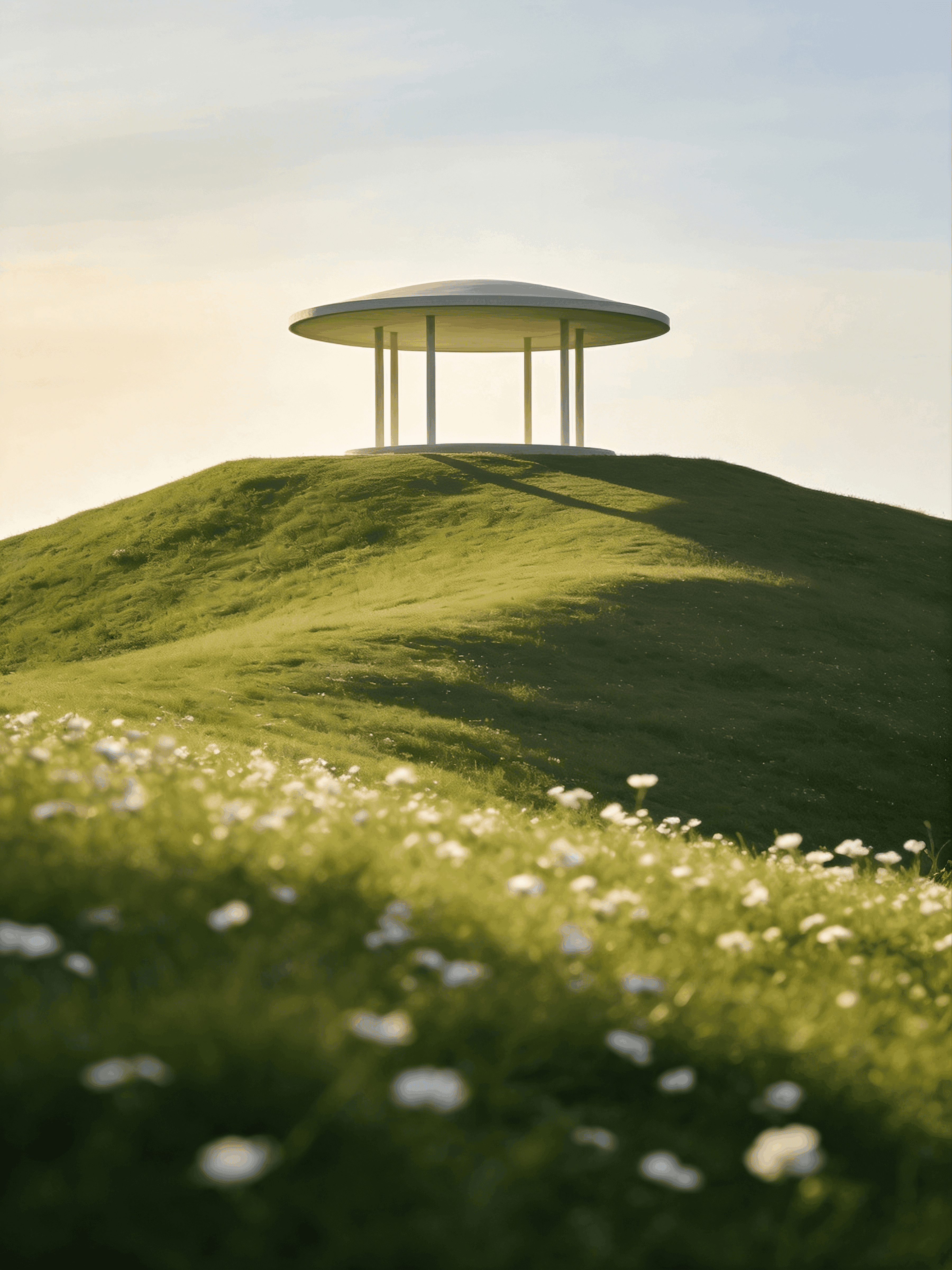
The Weight of Visual Clutter
Most modern interfaces shout. They rely on high-contrast colors, persistent notification badges, and dense navigation bars to constantly remind you of everything you could be doing. But in UI design, every single pixel carries a cognitive weight. Every divider line, every shadow, and every menu item requires your brain to process and filter it out before you can actually begin your work.
When an interface is loud, the user's mind becomes cluttered. We don't need more dashboards; we need more blank canvases.
Designing for Subtraction
Crafting a calm UI is an exercise in ruthless subtraction. It is about stripping away the scaffolding of the software until only the absolute essence of the user's work remains. The goal is not to design a beautiful app, but to design an invisible one.
When we built the architecture for Synapse, we realized that the best way to help users achieve a flow state was to visually get out of their way.
"An interface should not be a command center of endless possibilities; it should be a quiet room designed for singular focus."
The Blueprint of a Quiet Canvas
To build a truly calming digital environment, we must shift our design priorities from "feature discovery" to "cognitive protection." This requires three core design principles:
Aggressive Negative Space: White space is not empty space; it is the structural foundation of focus. It gives typography room to breathe and prevents the eye from feeling overwhelmed.
Muted Information Architecture: Secondary actions, timestamps, and metadata should be pushed back into soft, low-contrast greys. If an element doesn't require immediate action, it should barely be visible.
Progressive Disclosure: Menus, tools, and AI prompts should remain entirely hidden until the user intentionally summons them. The default state of the screen must always be stillness.
The Return to Craft
Ultimately, a calm UI respects the user's time and mental energy. By removing the visual noise, we stop forcing our users to navigate complex software and allow them to return to the simple, beautiful craft of doing their best work.